Encoder Software (New Version)
How to start the live streaming on RTMP Channels using the New Livebox Encoder software?
To start live streaming using the Livebox Encoder software,
- Install the Mixer and Playout software from the Livebox streaming server.
- (Account Settings – Download – Studio (for PC Users) / Android (for Android Users)
- Generate the unique pin to access the software every time you want to live stream using the Mixer and Playout software.
Note: You can capture the source from your camera or you can use the playout to take your source for encoding.
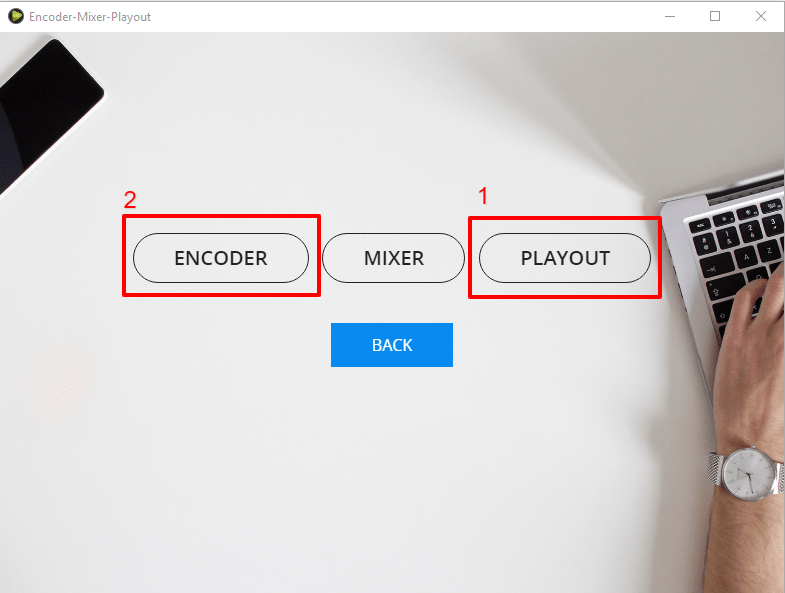
- So, after setting up the camera or adding the streaming source using the playout, open the Encoder window.
Note: You have to first set up your streaming capturing device (camera or playout settings) and then move on to the encoder settings window.
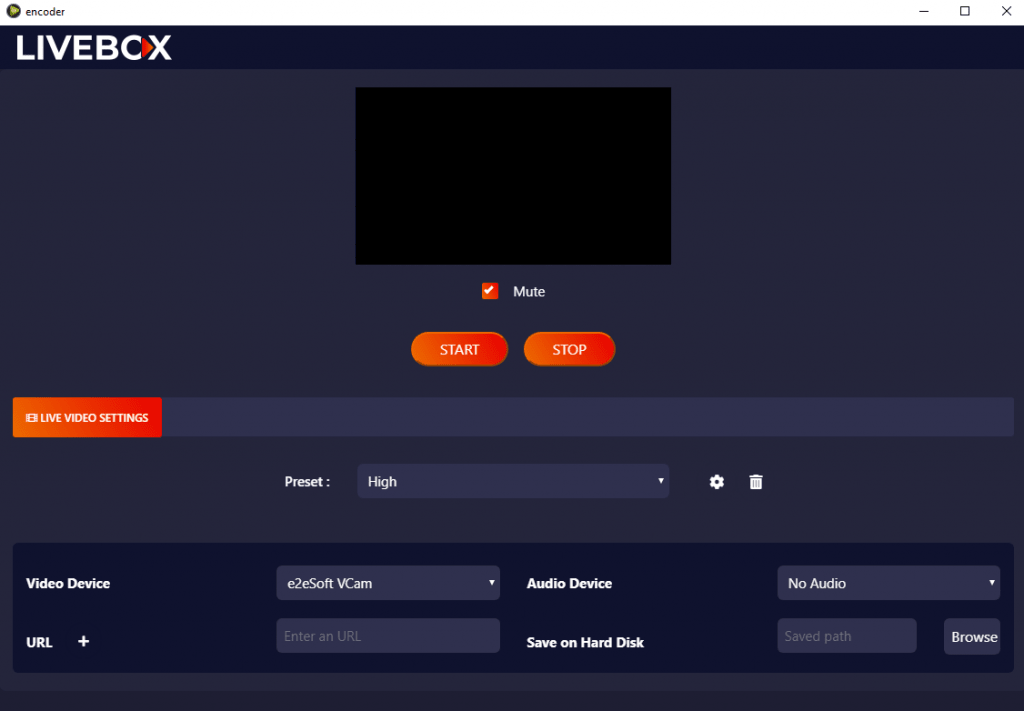
In the Encoder settings,
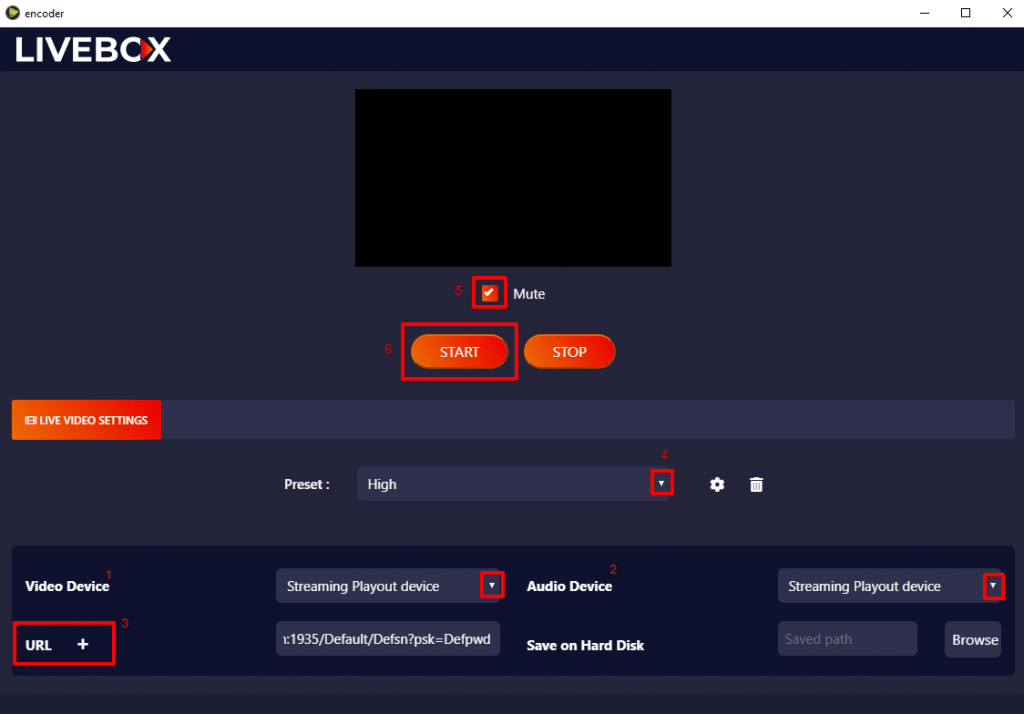
- Select your Video Device i.e., the device from which you are taking the video source for live streaming.
- And the same applies to the Audio Device.
- Then enter the RTMP URL of your streaming channel.
- Set your preset.
- Uncheck the mute option to enable your streaming audio.
- Then finally click on the “Start” button to start the live streaming.
- Your live streaming is about to START.
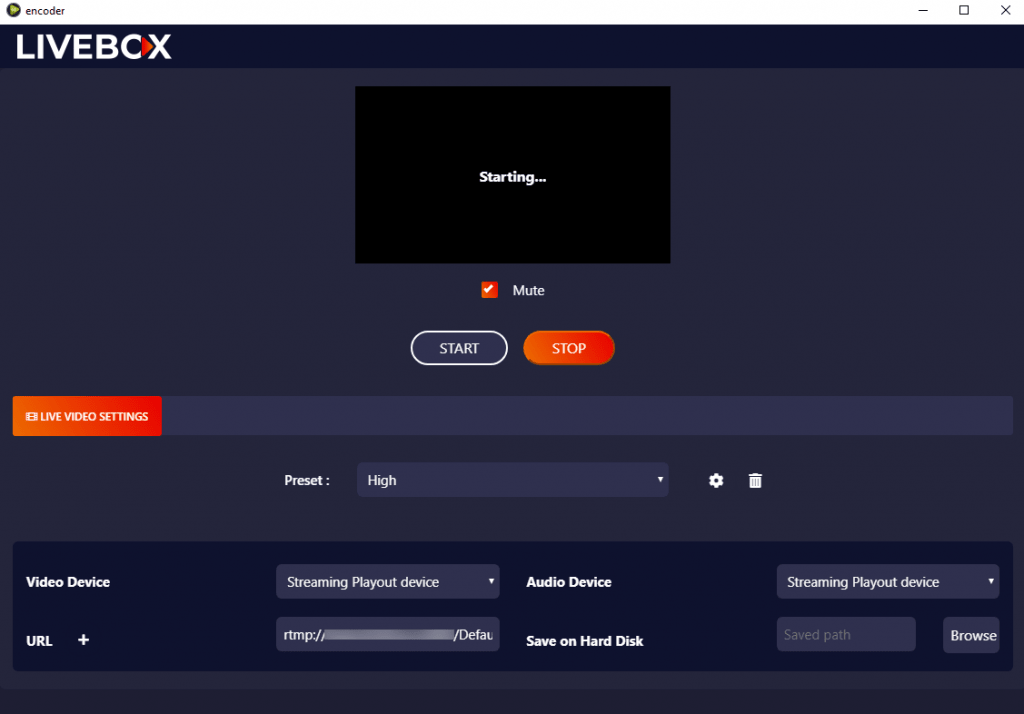
You can now check on your streaming channel. The live streaming will happen successfully on your streaming channel.


Comments
Post a Comment